
 Read on Twitter
 pytest
 Let's see
Although the Python standard library comes with a unit testing framework called ùnittest, pytest is the go-to testing framework for testing Python code.
https://docs.pytest.org/en/latest/
Let's see how to use it
https://docs.pytest.org/en/latest/
Let's see how to use it
 To write and run the most simple example:
1. Install it via pip - "pip install pytest"
2. Creta a new file "simple_test.py" containing code from the image
3. Run it - "pytest simple_test.py"
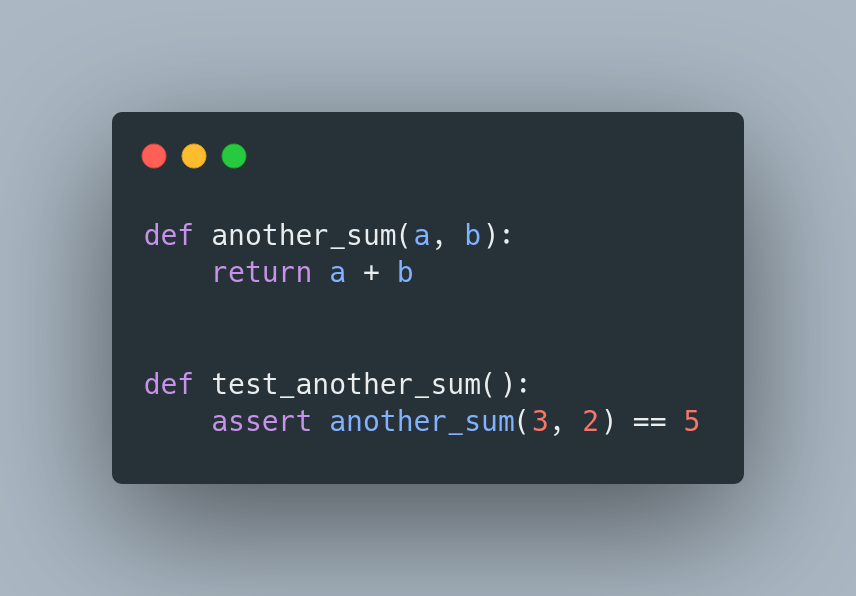
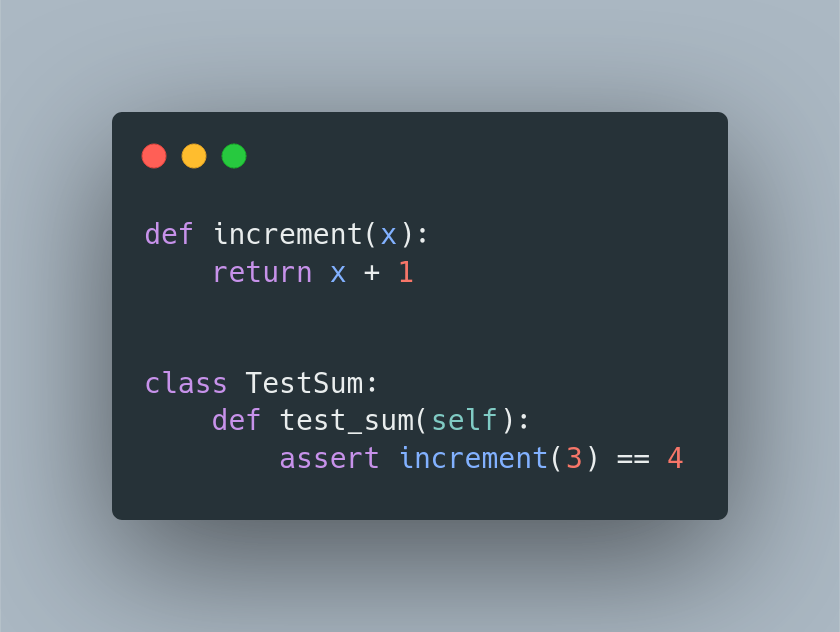
 You can also write tests inside the class.
It makes sense to use that when you want to wrap the test setup or complex assertions inside methods to make tests more readable
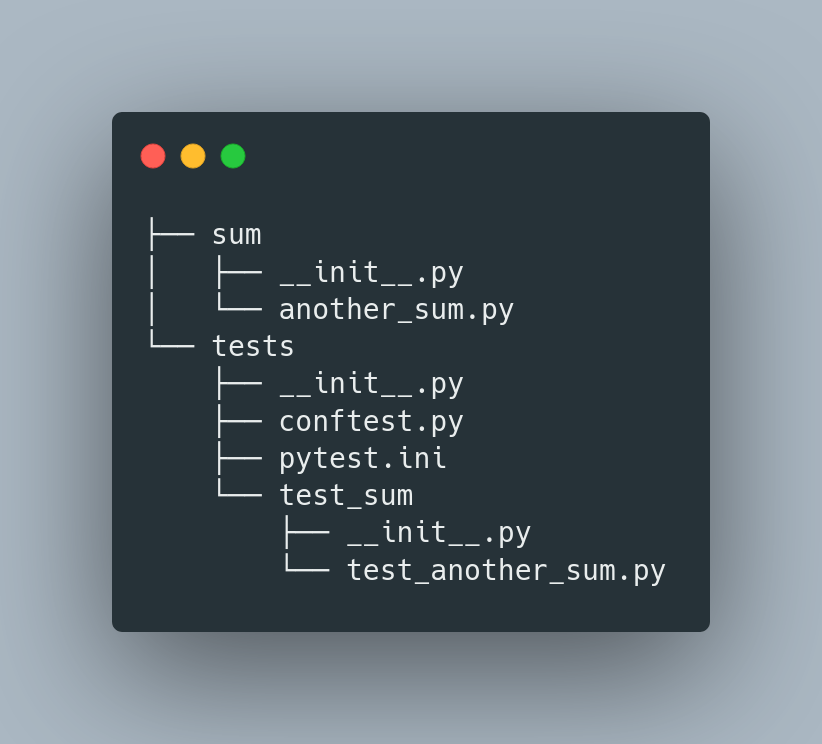
 The best way to structure your tests and production code is as follows.
pytest.ini - configuration for pytest
http://conftest.py - contains fixtures
tests - contains all tests
sum - package with production code (there can be multiple ones)
 One fo great pytest's features are fixtures.
 They are so great that they have their own thread: https://twitter.com/jangiacomelli/status/1343849489379909633?s=20
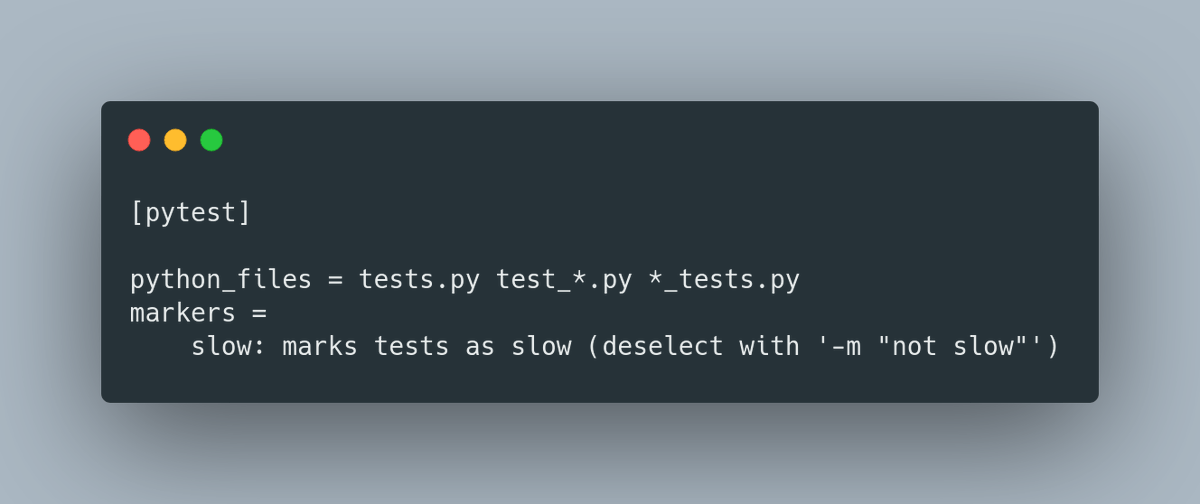
 pytest.ini contains configuration like:
- pattern for searching test files
- pytest markers
- settings for plugins
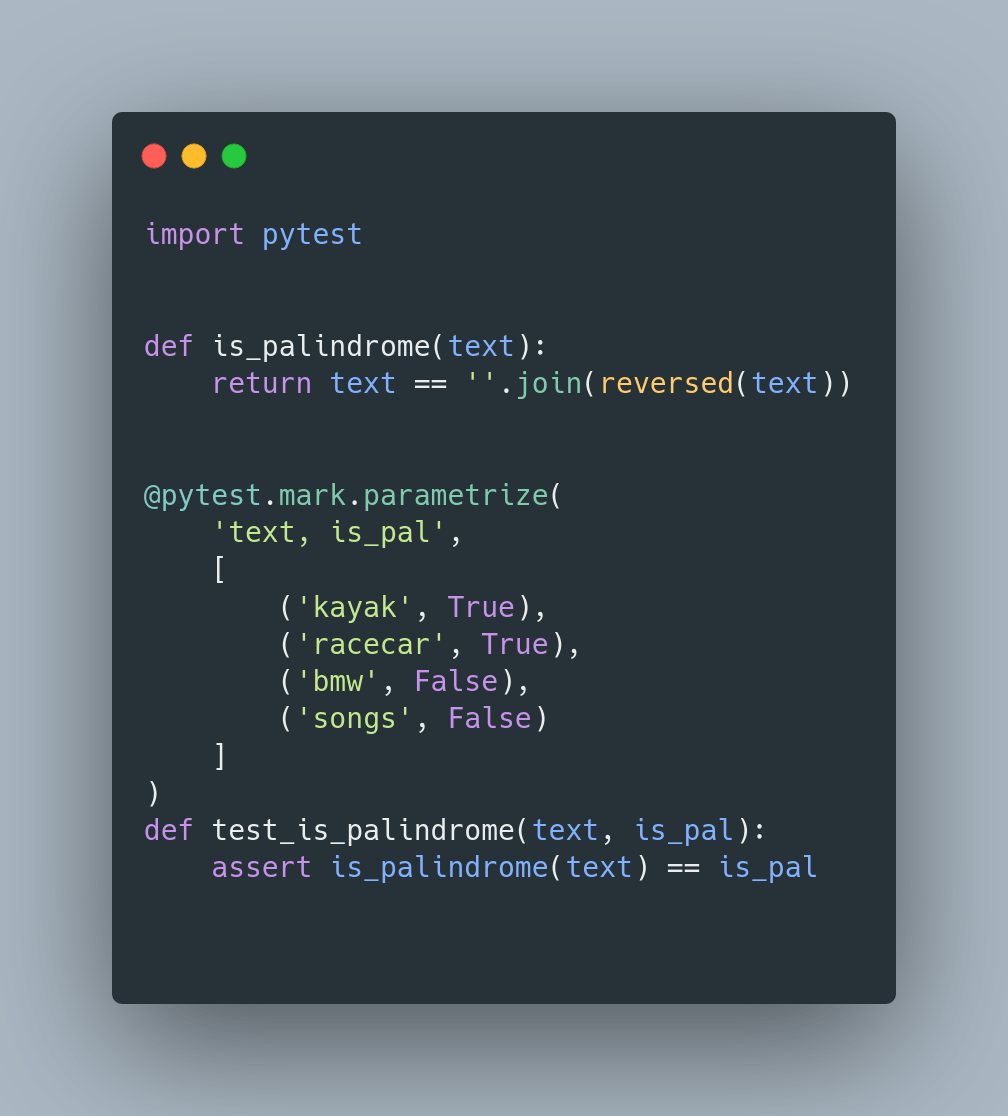
 You can easily parametrize your tests by using
- pytest.mark.parametrize decorator
The same test will run for multiple different inputs
 There are a bunch of useful plugins to use with pytest:
- pytest-django - provides a set of tools made specifically for testing Django applications
- pytest-xdist - is used to run tests in parallel
- pytest-cov - adds code coverage support
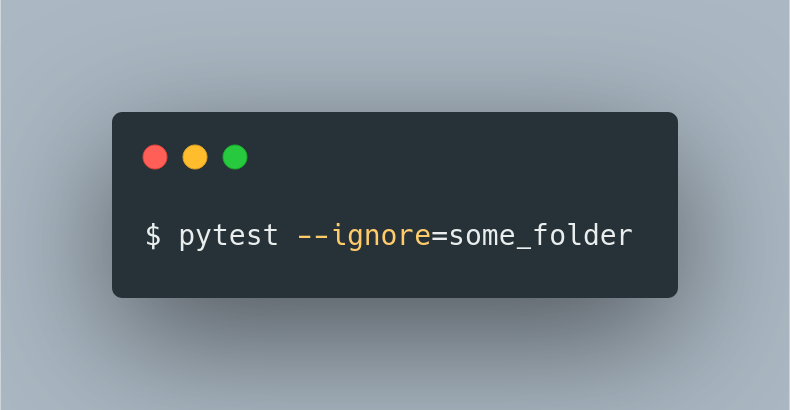
 When you don't want to run tests inside a specific folder you can use the option:
--ignore=some_folder
It can be used multiple times to exclude multiple folders.
 You can see it in action by following this tutorial: https://testdriven.io/blog/modern-tdd/
 You can read much more about it here:

